
Disk Reviewer
Reclaim space on your Mac, safely.
Download on the Mac App StoreFor macOS 13.0 or later · Apple Silicon and Intel
You review. It cleans.
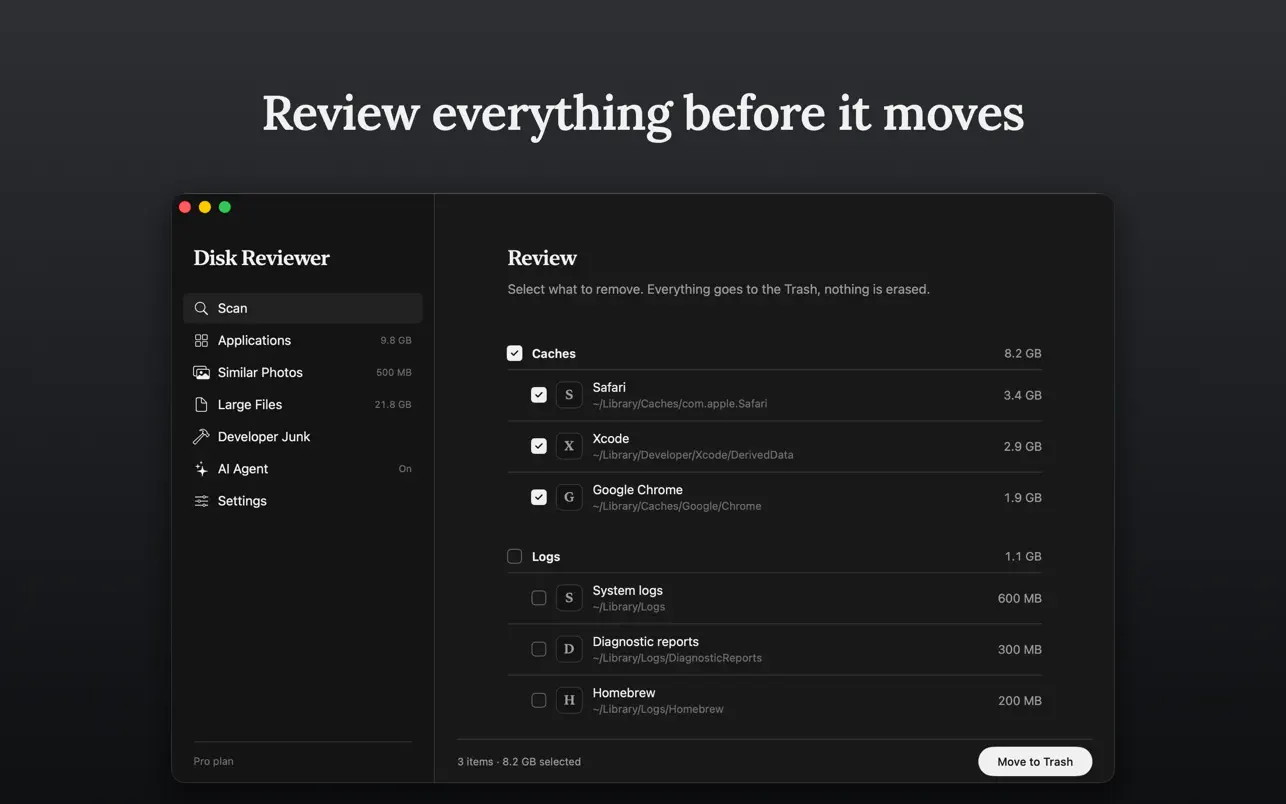
Disk Reviewer finds what quietly eats your disk space: caches, logs, leftovers that uninstalled apps leave behind, near duplicate photos and the caches development tools accumulate. It shows you everything it found, with sizes and locations, and you decide what goes.
Nothing is ever removed without your confirmation. Files you delete are moved to the Trash, and photos are moved to the Recently Deleted album in Photos, so you can always change your mind.
What it finds
Five focused tools, one goal: give you back your disk space without surprises.
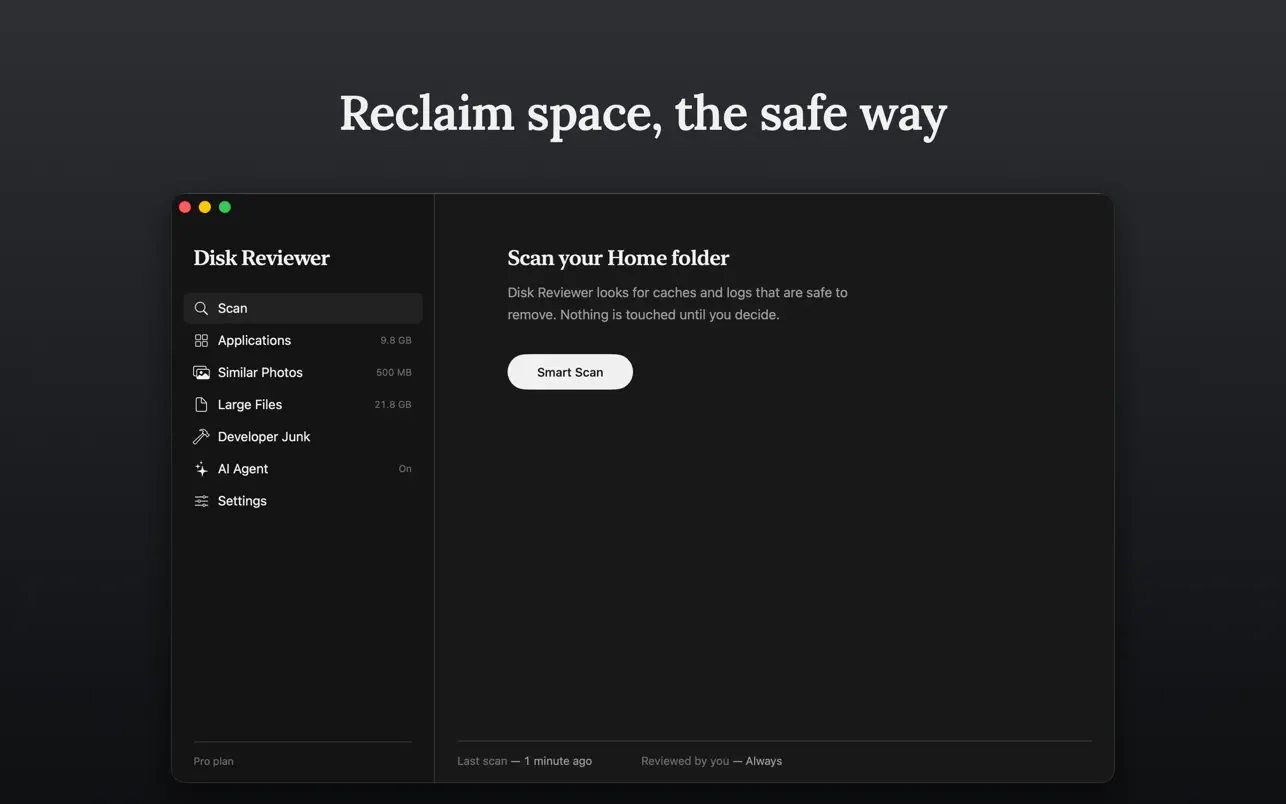
Smart Scan
Sweeps caches and logs that apps leave behind and shows how much space each one holds.
Similar Photos
Groups near duplicate shots so you keep the best one and clear the rest in a couple of clicks.
Developer Junk
Xcode caches, old simulators, npm, Gradle, Dart and CocoaPods caches, emulator images. Developers often free tens of gigabytes here.
Applications
Uninstalls apps together with their leftover support files, preferences and caches.
Background agent
Quietly rechecks your disk and notifies you only when there is real space to free. It never deletes anything on its own, and you can turn it off anytime.
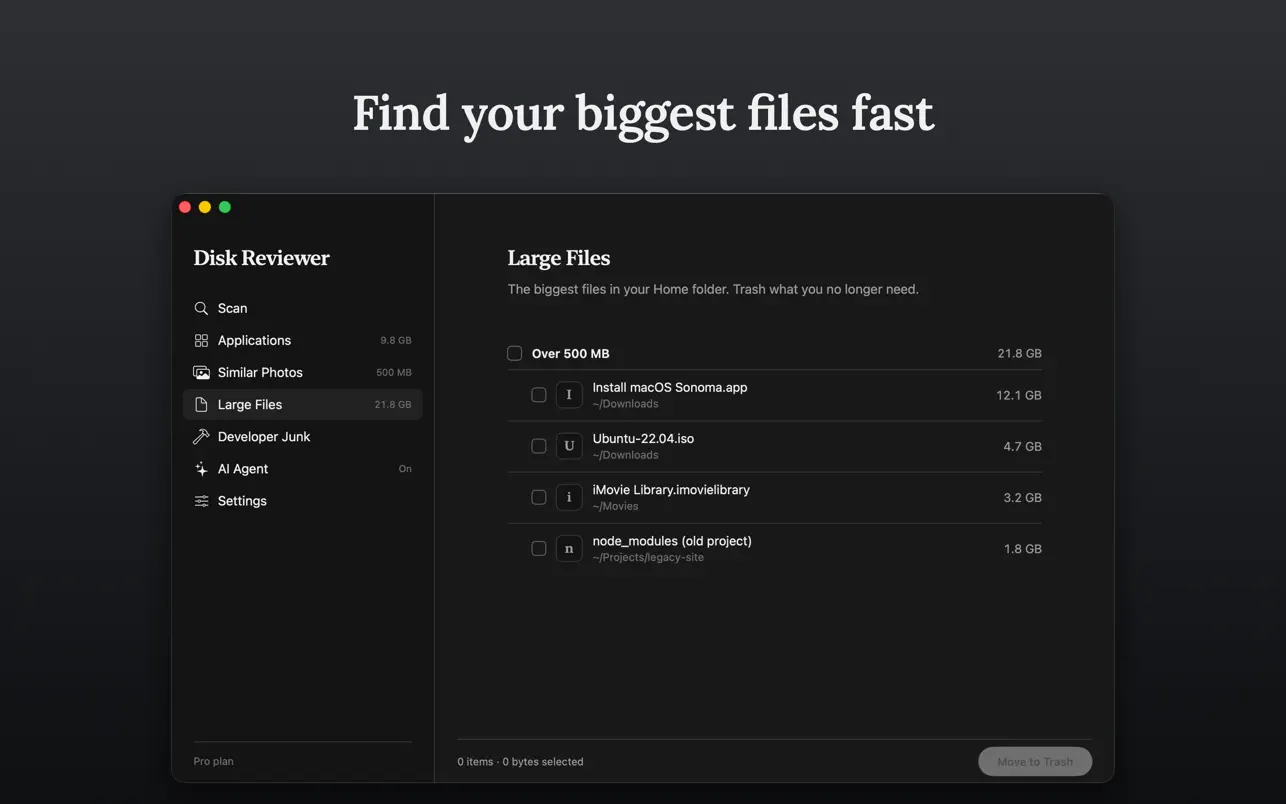
See it in action
Your data stays on your Mac
Disk Reviewer scans on your device. File names, paths, sizes and everything a scan finds stay on your Mac — that never travels.
Two things can leave, and both are yours to control. Anonymous counters record which features get used, never what they found, and a switch in Settings turns them off. A feedback report is sent only when you write one and press Send; you decide whether to attach files and whether to include the diagnostic log, which holds app events and errors — never file names, paths or scan results. No advertising, no tracking, no data brokers.
Read the full Privacy Policy.
Runs on your Mac
- macOS 13.0 or later
- Universal app: native on Apple Silicon and Intel
- Distributed on the Mac App Store, fully sandboxed
Give your Mac room to breathe
Download on the Mac App Store
Questions? Visit Support.
Disk Reviewer has its own site at
diskreviewer.com.