DeckMirror
Your iPhone or iPad, in a window.
Download on the Mac App StoreFree · For macOS 13.0 or later · iPhone or iPad connected by cable
Show the phone, not the desk.
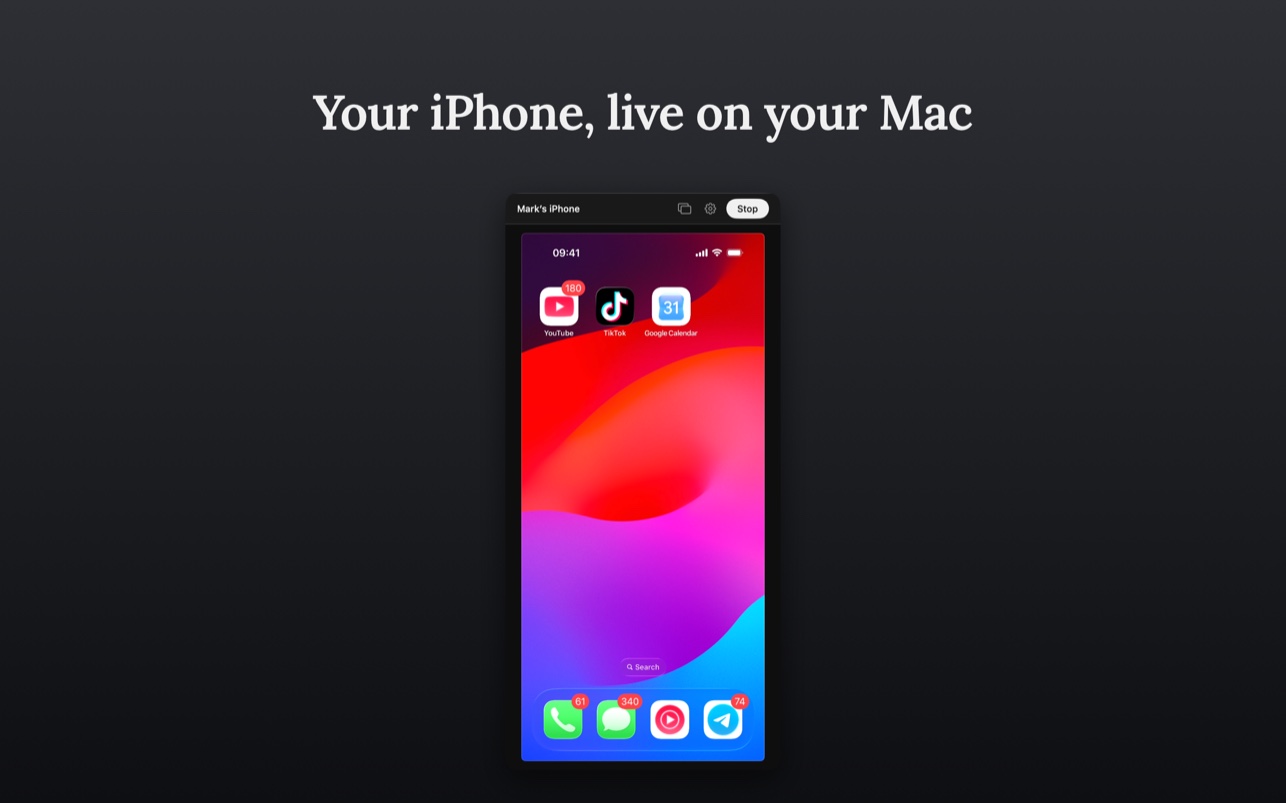
Some things only exist on a phone: a banking app, a delivery app, the app you are building. DeckMirror puts that screen into an ordinary Mac window, so everyone on the call can see it — no holding the phone up to the webcam, no passing it around the room.
Connect the device with a cable, unlock it, tap “Trust This Computer”, and press Start mirroring. The window takes the shape of the device, and every conferencing app can share it like any other window.
What it does
One window, the device's proportions, and nothing between the cable and your screen.
Plug in and it is there
No app on the phone, no account, no drivers. A cable and “Trust This Computer” is the whole setup.
An ordinary window
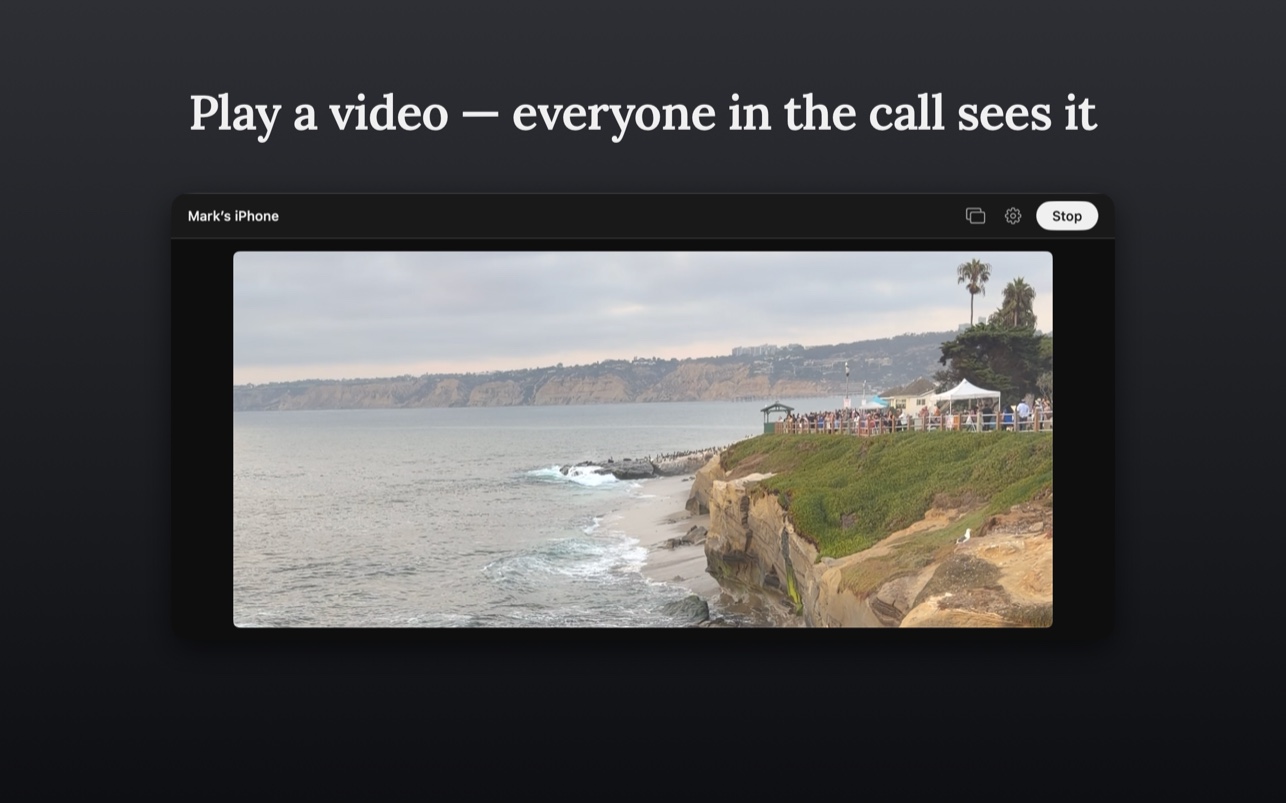
Zoom, Google Meet, Teams, or any screen recorder can share it exactly like any other window on your Mac.
Fits the device
The window follows the device's proportions, so the picture always fills it and grows as you drag it larger.
Device frame, if you want it
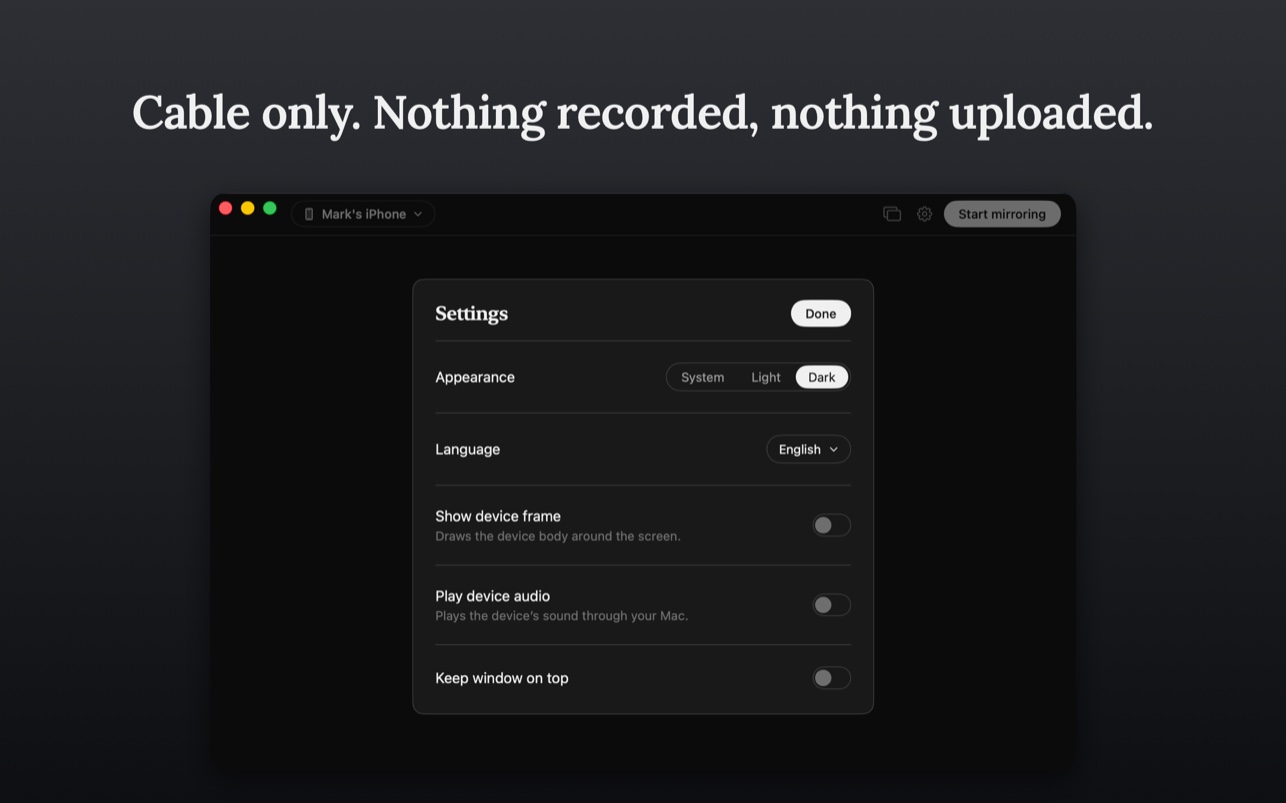
Draw the device body around the screen for a demo, or leave the picture edge to edge.
Sound, or silence
Play the device's audio through your Mac while you present, or leave it off — off is the default.
Survives a pulled cable
If the cable comes out mid-call the window keeps its picture instead of collapsing, and reconnecting picks up where you left off.
Keep it on top
One switch in Settings pins the window above everything else, so the phone stays visible while you work in the call, the notes, or the app you are demoing.
Feedback from inside the app
Settings has a Feedback screen: write what went wrong, attach a screenshot or a recording if it helps, and send it to us — no email client, no form on a website.
See it in action
Cable only. Nothing recorded.
- The picture goes from the cable to your screen and nowhere else. There is no network path in the mirroring flow at all.
- Nothing is recorded and there are no accounts. Two things can leave your Mac, both your own doing: anonymous counters of which features are used, which Settings can turn off, and a feedback report if you write one.
- macOS asks for camera access the first time, because the screen of a connected device is published to the system as a capture device — the same mechanism QuickTime Player uses for “New Movie Recording”. DeckMirror never uses your Mac's camera and never opens one.
- The microphone permission is used only to play the connected device's sound through your Mac, and it is off by default.
- Free. No price, no subscription, no paywall.
The full text is in our Privacy Policy.
What you need
- macOS 13.0 or later
- An iPhone or iPad connected with a cable
- Universal app: native on Apple Silicon and Intel
- Distributed on the Mac App Store, fully sandboxed
Put the phone on the big screen
Download on the Mac App Store
Questions? Visit Support.
Also from us: Disk Reviewer,
a review-first disk cleanup app for Mac.